

Google Pixel FRP / Bootloader Key - india Time 11 AM to 6 PM Instant
Instructions:
1- Download and open the tool.
2- Connect your device in Fastboot Mode.
3- Click on "Remove FRP + Factory Reset."
4- The tool will generate a token.
5- Copy the token and submit it on our website.
6- Wait for your auth token to be sent back to you.
7- Once you receive the auth token, paste it into the tool and click "Send Data."
8- Wait a few seconds — you’ll see a message confirming that the job is complete.
+++++++++ Important:
❌️Follow all steps carefully. Don't Request for Refund >>> If you understand all step by step then place order otherwise we no given refund❌️
-
Microsoft Office 365 Professional Plus - Acount Permanent - Life Time (1 YEAR WARRANTY)
1-15 Minutes -

Sim-Unlocker Pro Server (Credit Existing Account)
1-15 Minutes -
Phoenix Service Tool - Samsung/ Nokia HMD/ OnePlus/ Realme/ (FLASH - FRP - FACTORY RESET) CREDITS
Instant -
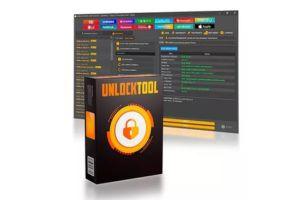
UnlockTool 3 months License Activate & Renew
1-30 Miniutes